







PRACTICAL KNOWLEDGE
PEmicro GDB Server - ARM Cortex-M Microcontroller
The PEmicro GDB server now supports flow control and FLASH programming of many ARM devices using GNU GDB debugger tools in addition to PEmicro's hardware interfaces.
Read article
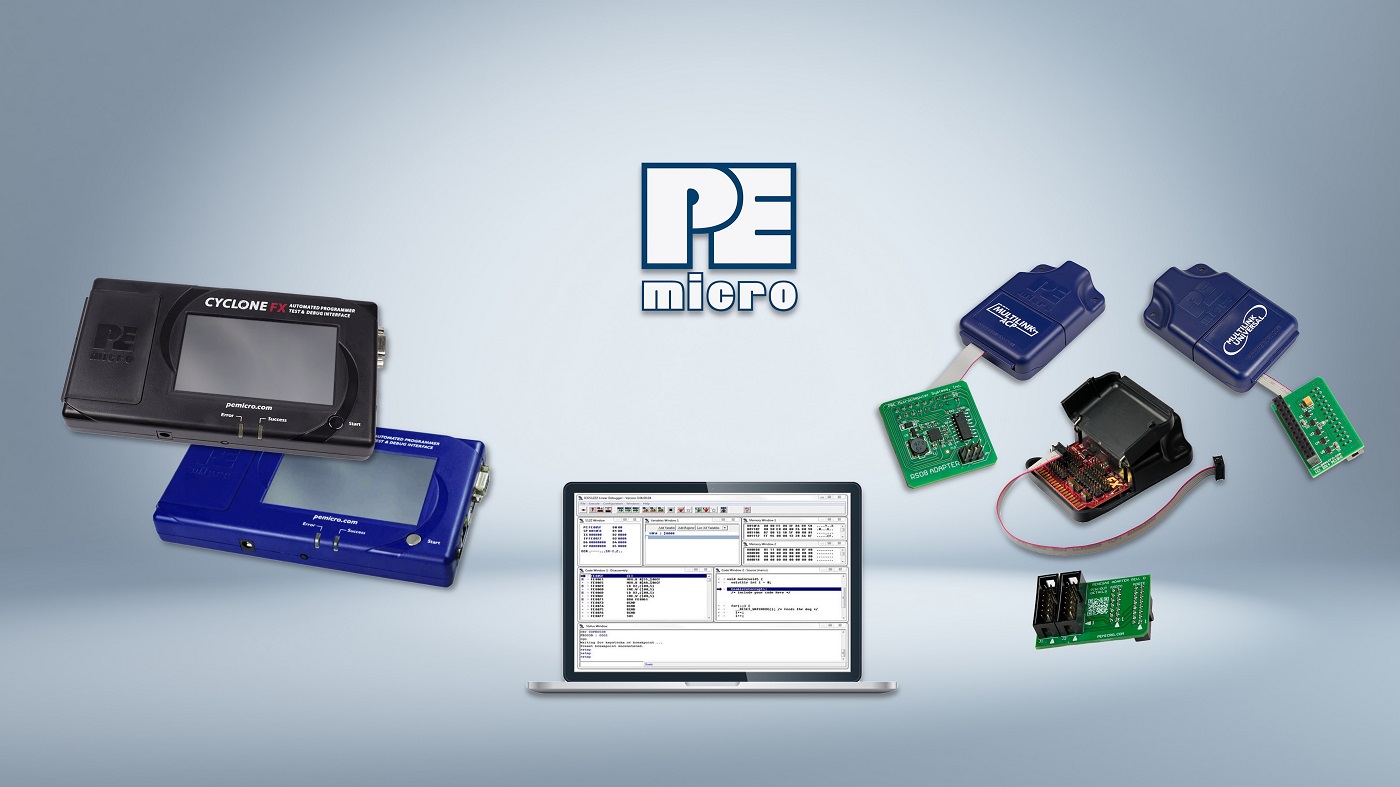
The Cyclone FX has the capability to automatically select and launch a programming image based upon a scanned barcode. This can generate an error if more than one image corresponds to the barcode or no images correspond to the barcode. The CYCLONE FX includes a way to quickly gain insight into the issue. A log file is created every time the barcode scanner operates and it details the scanned barcode as well as the analysis process used to select the appropriate programming image.
To access the barcode log, navigate in the Cyclone FX’s menu to: Menu->Status->Show Logs->Show Barcode Scanner Log. This Log document contains the details of the last barcode scanner transaction and is overwritten every time the barcode scanner is used.
A sample log file looks like this:
---Scanner Test Log Started---
Scanned barcode: P&E SN: BLUE0138230
5 total number of images in Cyclone
Processing image number 1 (Red Image v1.00)
Image number 1 does not contain a barcode test
Processing image number 2 (Red Image v1.01)
Image number 2 does not contain a barcode test
Processing image number 3 (Widget Rev C)
Image number 3 does not contain a barcode test
Processing image number 4 (Widget Rev D)
Image number 4 does not contain a barcode test
Processing image number 5 (Green Product v7)
Image number 5 passes character test
Image number 5 does not contain a range test
image number 5 passes Barcode Test
One Image passes barcode test
Image number 5 selected to execute
Success, image selected and program command sent
---Scanner Test Log Finished---


CONTINUE EXPLORING
PRACTICAL KNOWLEDGE
The PEmicro GDB server now supports flow control and FLASH programming of many ARM devices using GNU GDB debugger tools in addition to PEmicro's hardware interfaces.
Read articlePRACTICAL KNOWLEDGE
STM32CubeIDE from STMicroelectronics is an Eclipse-based activation platform that supports the development and debugging of code on STM32 ARM microprocessors.
Read articlePRACTICAL KNOWLEDGE
As part of the Cyclone Control Suite, PEmicro includes a graphical application called Cyclone Control GUI.
Read articleFROM READING TO YOUR PROJECT
Describe your signal, interface or test objective. Our team can help you assess the equipment and next steps.