


PRACTICAL KNOWLEDGE
What is a logic analyzer?
A logic analyzer is an electronic measuring device that can characterize and graphically display digital signals over time.
Read article
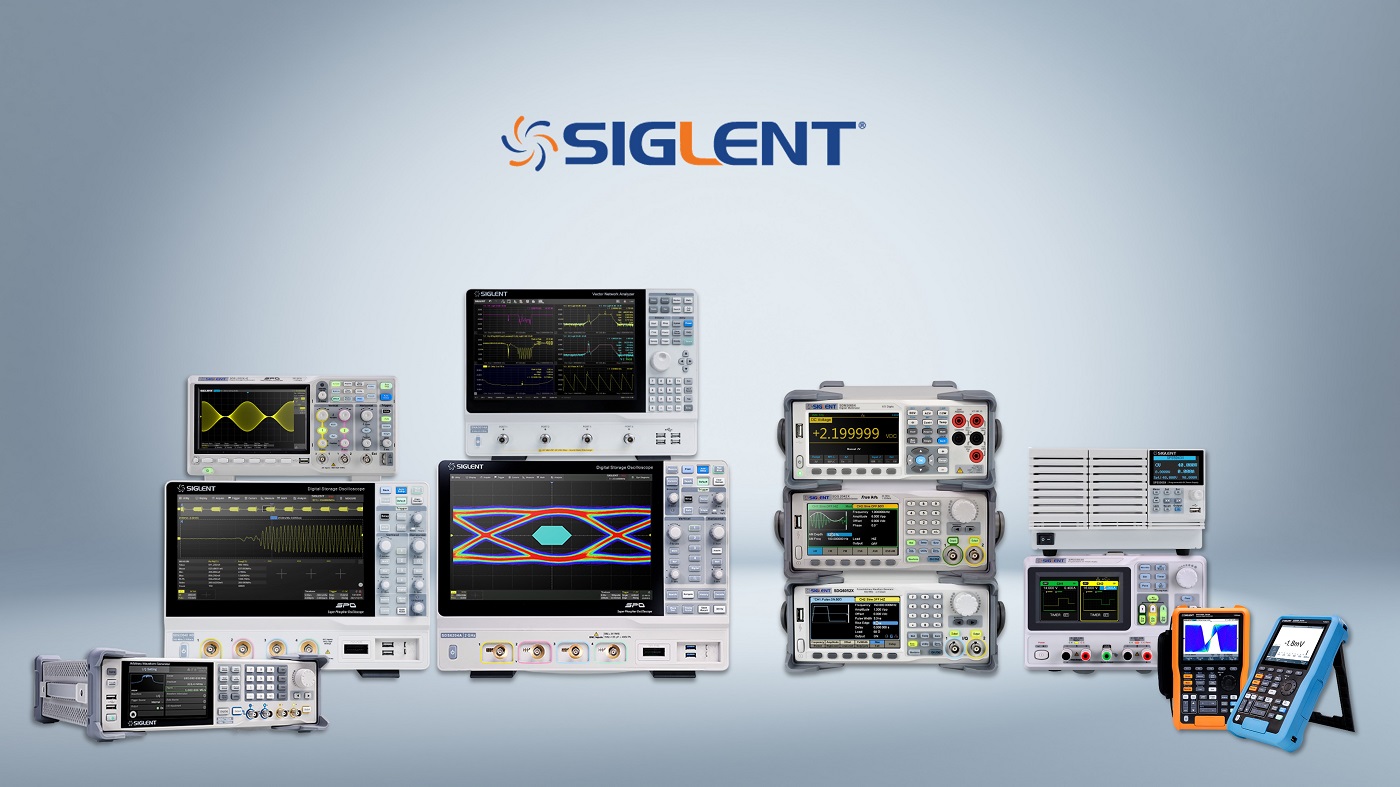
Many test and measurement applications require data collection over a long period of time. Instead of milliseconds of measurement time, you may need tens of minutes or even hours of data. A data acquisition system is typically used for this type of application. However, this may require the development of software and debugging code. SIGLENT has added a data logger mode to the four-channel oscilloscopes of the SDS1000X-E series, which makes the acquisition of long-term data easier than ever. The SIGLENT data logger continuously records the original sampling points and measured values. The Siglent SDS1000X-E includes the devices SDS1104X-E, SDS1202X-E and the SDS1204X-E oscilloscope.

The SIGLENT SDS1000X-E oscilloscopes do not have a system clock. If you want the data logger time to be the correct time, you need to set the system time after power on. You can set the system time manually or configure the network time server address to get the time from the network time server via NTP as shown below:

The Sample Logger continuously records and saves measurement points. It is ideal for long-term monitoring of low-velocity signals. Since the original points are recorded for a long time, the amount of data can be very large; being. As the oscilloscope's DDR memory is limited, real-time sample points are stored in the device's internal flash or on an external U-disk (USB storage device). device) in real time. After completing the acquisition, the user can not only view the sampled points on the oscilloscope, but also analyze the stored data on the computer.


The Sample Logger logs the activated channels.
Before you begin, you should:
1. Configure the scale, type and enable the required input channels so anyone can capture the signals you want to record.
2. What is Sample Logger's sample rate based on your settings?
3. How long do you want to record data?
4. Calculate the amount of data needed.
5. Choose to store in internal flash memory or on an external U disk.
The steps to log:
1. Enable channels and set channel parameters.
2. Open the Sample Logger and configure the parameters.
3. Starting and stopping the recording In order to reduce the amount of recorded data and speed up the recording, the recording file is recorded in binary format and the file name is *.slg.
The file format is specified in the document "how to extract data from the binary file.docx". Please download this document from an
official SIGLENT website.

The Sample Logger can transfer readings from a U disk or flash memory to the oscilloscope for display and analysis. The DDR of the oscilloscope is limited. When the waveform data exceeds the DDR capacity, the U disk is read out during operation; therefore, do not pull out the U disk when analyzing the samples.
1. Get samples.

2. Use the time base and delay controls to adjust the waveform.
3. Use the cursors.

The recorded file in the flash memory can be exported to a hard disk (USB memory stick) for analysis on the PC.

The oscilloscope provides a tool to convert recorded files (.slg) to CSV: File Converter. You can export this tool from the oscilloscope's Save/Recall menu or from the oscilloscope's web page (four-channel X-E models only).


You can also parse the *.slg file with your own program. The file format is described in the document "how to extract data from the binary file.docx". Please download the document from the official SIGLENT website.
The Measure Logger collects readings and displays the history of low-velocity signals. Since the amount of measurement data is relatively small, the data is stored in the oscilloscope's memory for fast processing. After the recording is complete, the data can be saved to internal flash memory or external U disk and imported to PC.


The measurement logger logs the currently selected measurement values.
Before you begin, consider the following:
1. What metrics do you want to log?
2. What sampling interval and duration do you need?
1. Check the metrics you want to log.

2. Open the Measure Logger and configure the parameters.

3. Start and stop recording.

1. Use the time base and delay sliders to adjust the waveform.
2. Use the cursors.

3. Saving and retrieving the recorded data.

You can save the recorded data in flash or hard disk. The recorded file is saved in binary format, the file name is *.mlg. The file format is described in the document "how to extract data from the binary file.docx". Please download this document from Siglent official website.
For analysis on PC, the logged file in flash can be exported to a U disk. The oscilloscope provides a tool to convert recorded files (.mlg) to CSV: the file converter. You can access this tool from the menu; "Save/Recall" the oscilloscope or export via webpage.

You can also parse the *.mlg file with your own program. The file format is described in the document "how to extract data from the binary file.docx". Please download the document from the official SIGLENT website.


CONTINUE EXPLORING
PRACTICAL KNOWLEDGE
A logic analyzer is an electronic measuring device that can characterize and graphically display digital signals over time.
Read articlePRACTICAL KNOWLEDGE
A resolver is an electromagnetic sensor that determines the angle and speed of waves and axes.
Read articlePRACTICAL KNOWLEDGE
Multi-channel function generators are versatile and important in radar testing and for simulating current distortion.
Read articleFROM READING TO YOUR PROJECT
Describe your signal, interface or test objective. Our team can help you assess the equipment and next steps.